The making of a Monty Python-related ersatz Apple iPad commercial
the spot
The ad is a parody/homage of the iPad 2 “If you asked” commercial.
It was alternately fun and frustrating trying to evoke and approximate the production values of an ad campaign on which Apple undoubtedly spent millions. There are only 8 shots in the piece, and the end result looks simple, but filmmaking is always a surprisingly tough slog. If you’re curious how we made the ad, read on.
tools
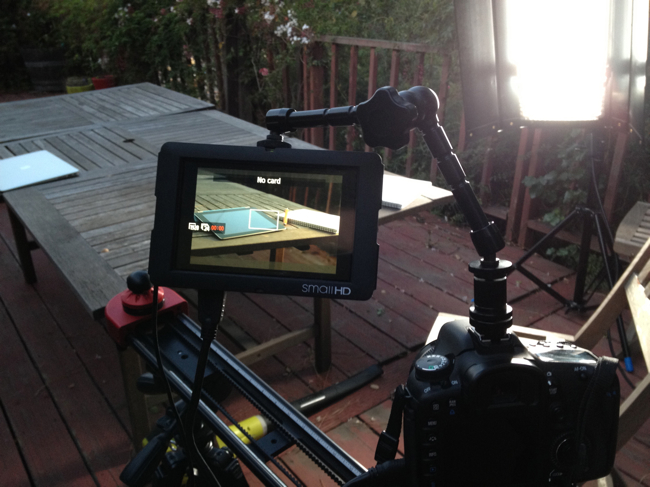
All but the last shot involved combinations of the following equipment:
- A Canon 7D DSLR – shoots great video for the price, with a large sensor
- Canon EF 50mm f/1.4 USM lens – a fast lens with creamy bokeh
- Canon EF 20mm f/2.8 USM lens – a fast rectilinear wide-angle with a very close minimum focus distance
- SmallHD DP6 monitor – This small 720p HD monitor is an essential focusing aid when shooting with the 7D
- A Kessler “Philip Bloom Signature Edition” Slider – quick to setup, good for achieving smooth linear movement
- Kino Flo Diva 400 flourescent light panels – for soft lighting
- 150 and 300 watt Arri lights, for harder – directional lighting
- Z96 LED light – small, battery powered, easy to place and dim. Add some colored gels to make quick and easy highlights or washes of color on small areas
smoke and mirrors
–Brian De Palma
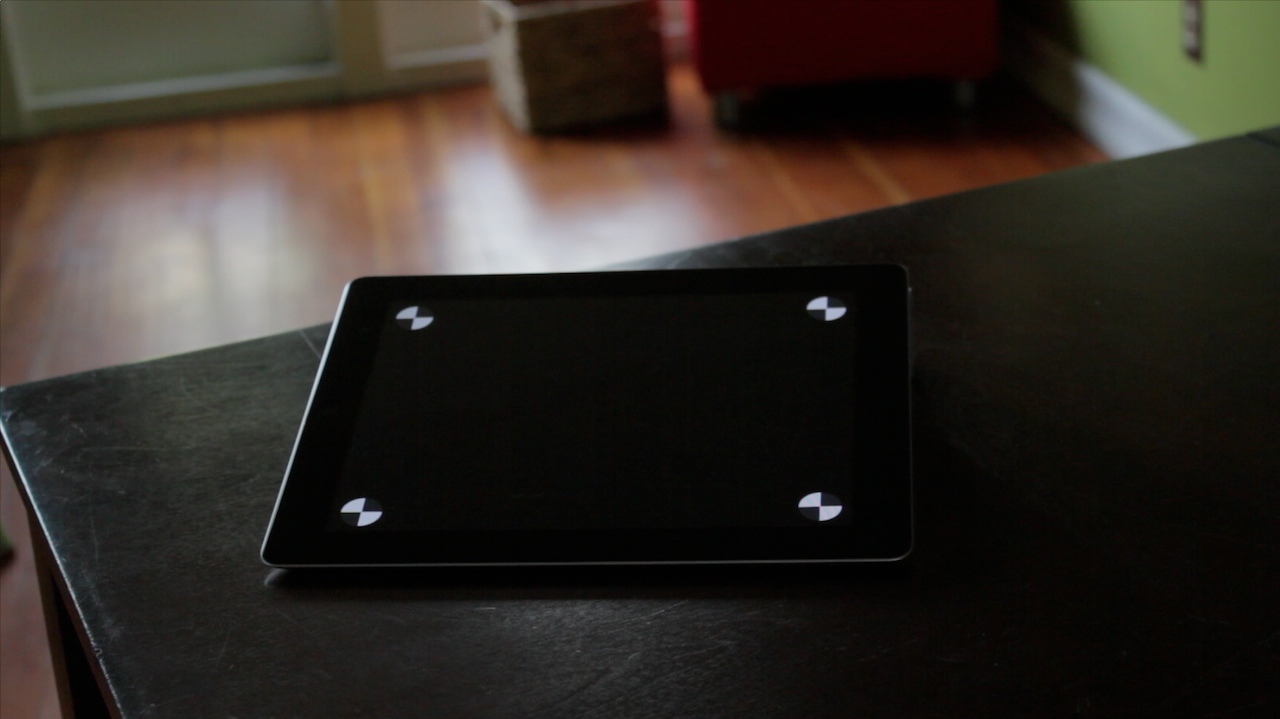 The original table top and the iPad displaying tracking markers. | 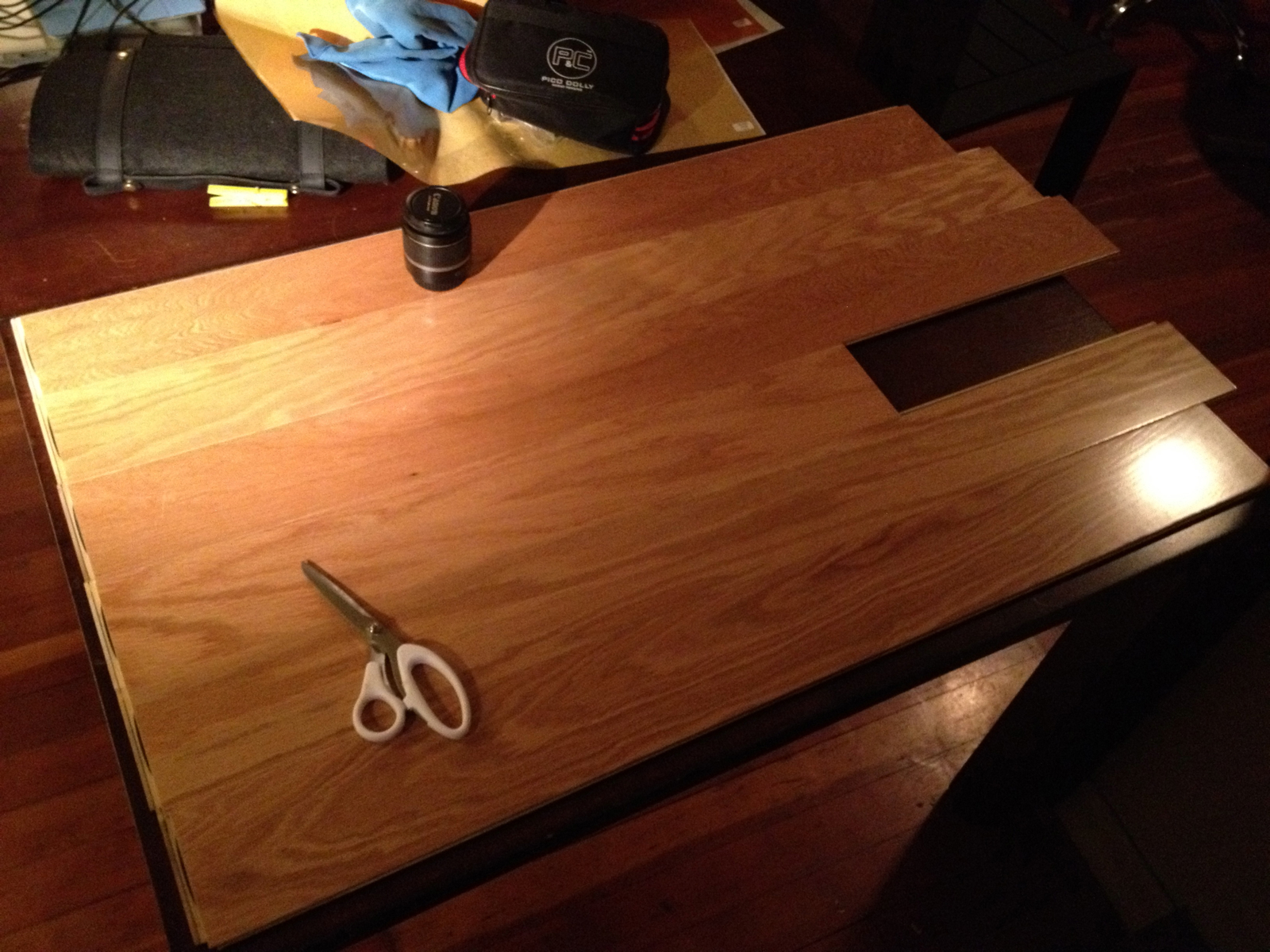 For the first shot of the piece, we decided the actual surface of the table wasn’t right. So flooring slats from Home Depot were obtained and we quickly (daylight was fast receding) made just enough of a new "tabletop" to cover what was to be visible in the frame. |
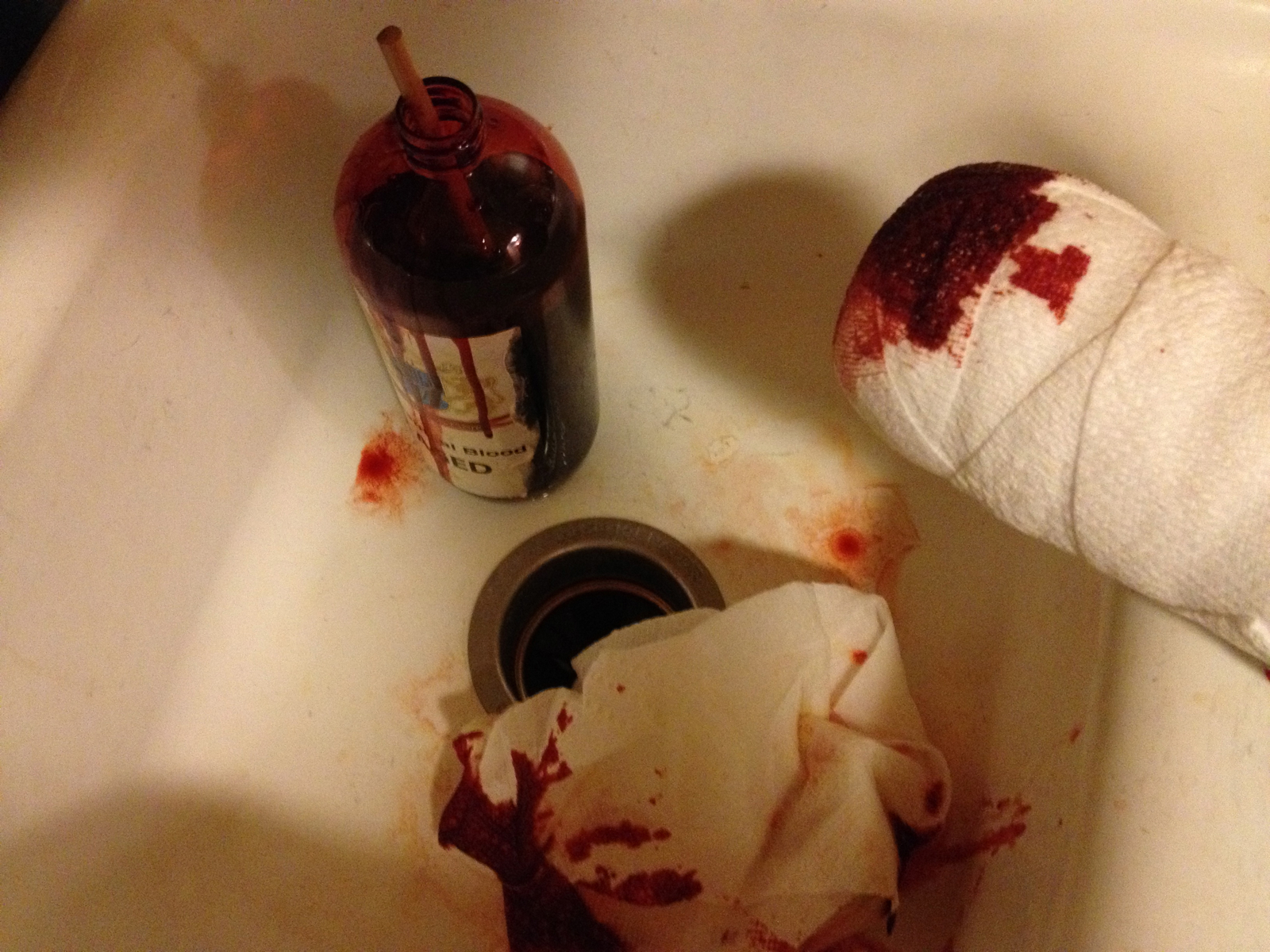 The bloody stump –a foam cylinder wrapped in gauze and daubed with fake blood. For the sake of authenticity, we used the same make of blood as was used on the Black Knight in Monty Python and the Holy Grail. | 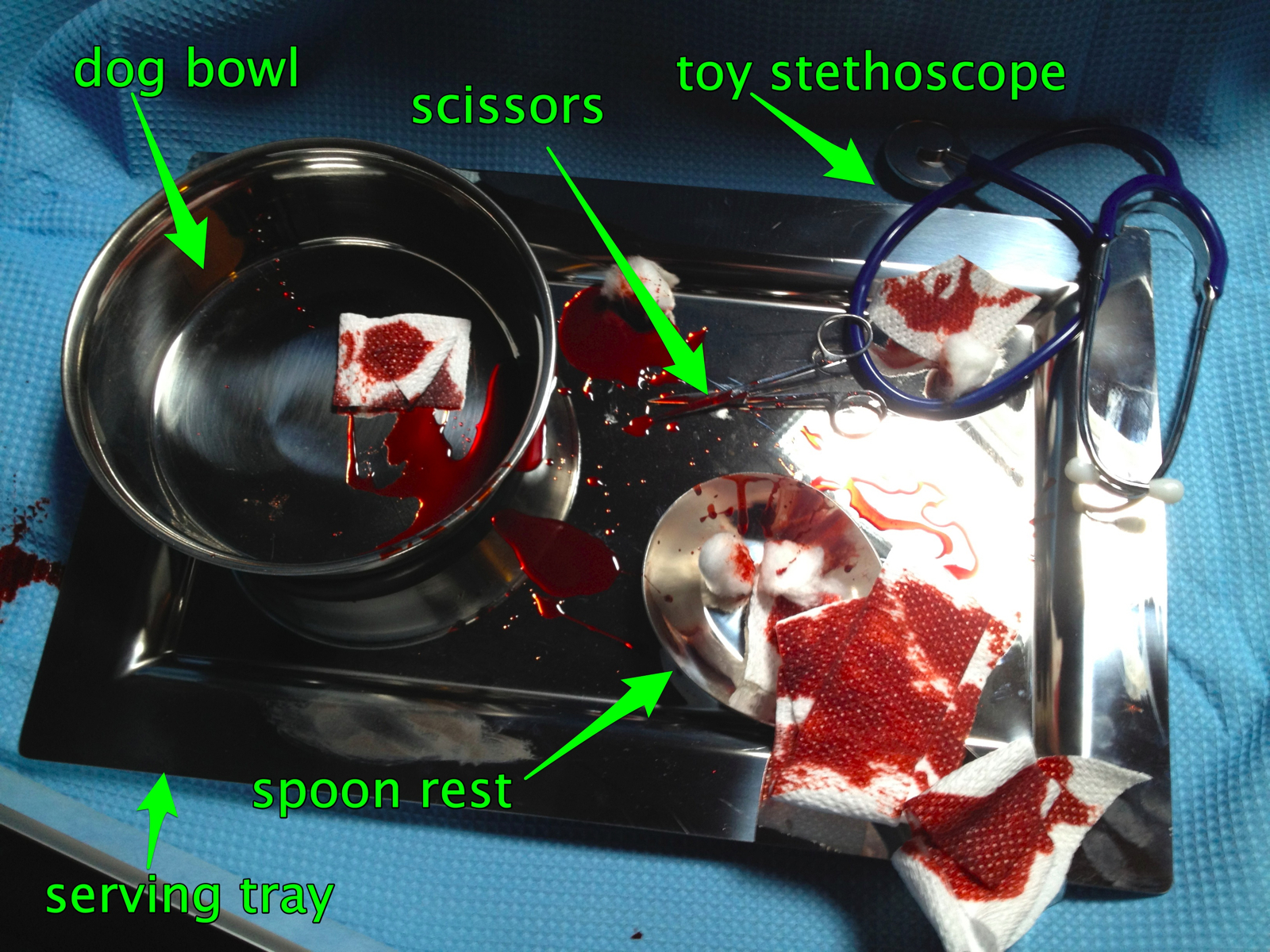 The contents of this tray have been approved for medical use in (insert name of funny-to-disparage city here), and elsewhere only for the food service and kennel industries. The handle of the spoon rest was too non-medical-looking, so we covered it with bloody gauze. Set decorating! |
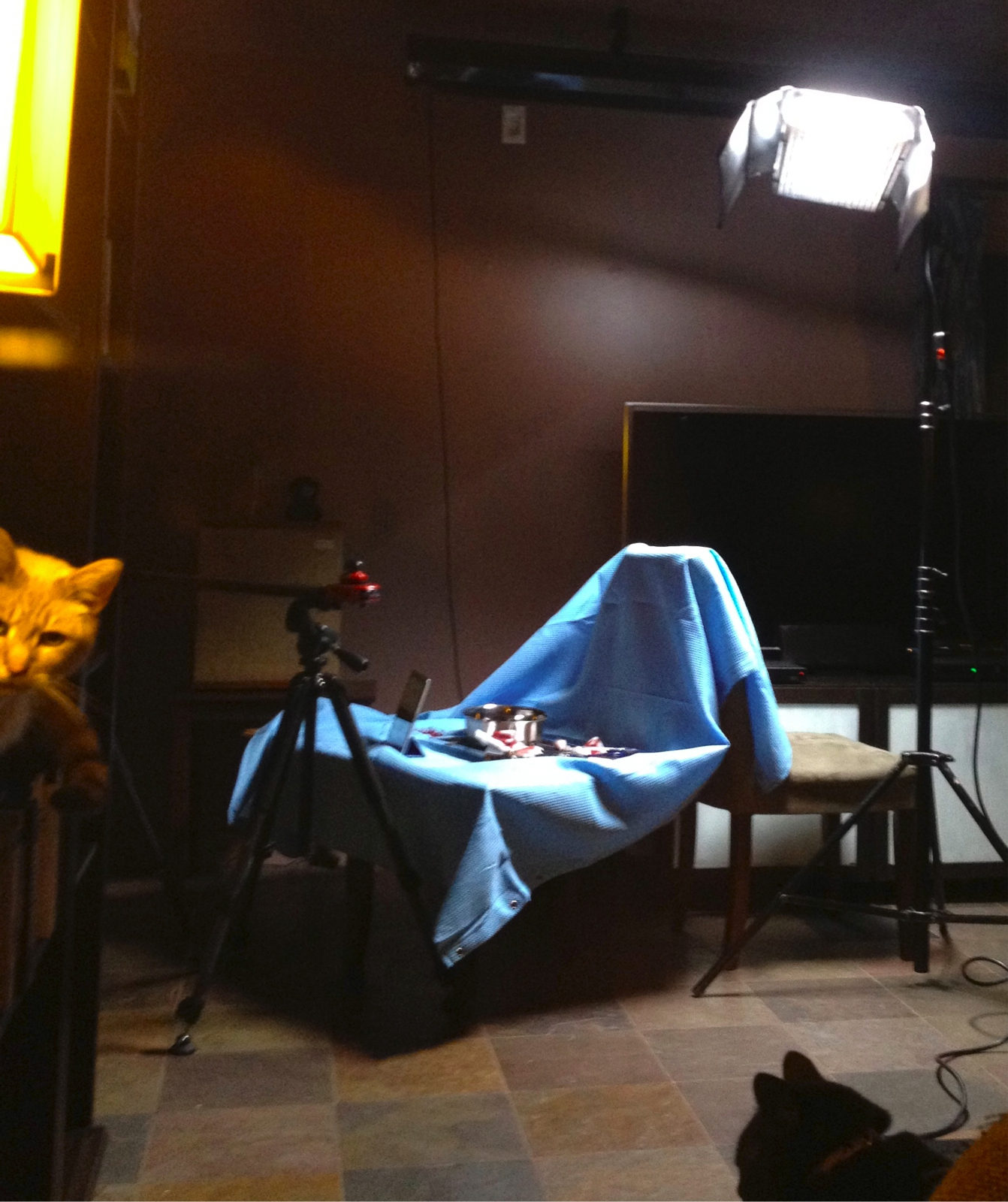 Our hospital set consisted of a blue shower curtain draped over the back of a chair and across a small table. On set security provided by a pair of trained cats. | http://zachfine.com/blog/wp-content/uploads/2012/03/blood-element-qt2.movAfter the other shots were completed, we shot blood and mud smear elements for later compositing. A piece of white cardboard served as the background, and a sheet of plexiglass was an easy-to-clean-and-reshoot surface on which to smear the various liquids. Hit play to see a couple of potential blood elements applied using the object that stood-in for the Black Knight’s bloody stump. In the end, Dane decided it would be a repeat of the same joke if the iPad screen was smeared with blood in one shot and mud in the next, so the blood elements you see here were not used. In neither this shot nor the Peasant shot did the dirty or bloody extremities touch the screen –why risk destroying an actual iPad when you can instead risk destroying your sanity by piling on compositing tasks to be done in post? |
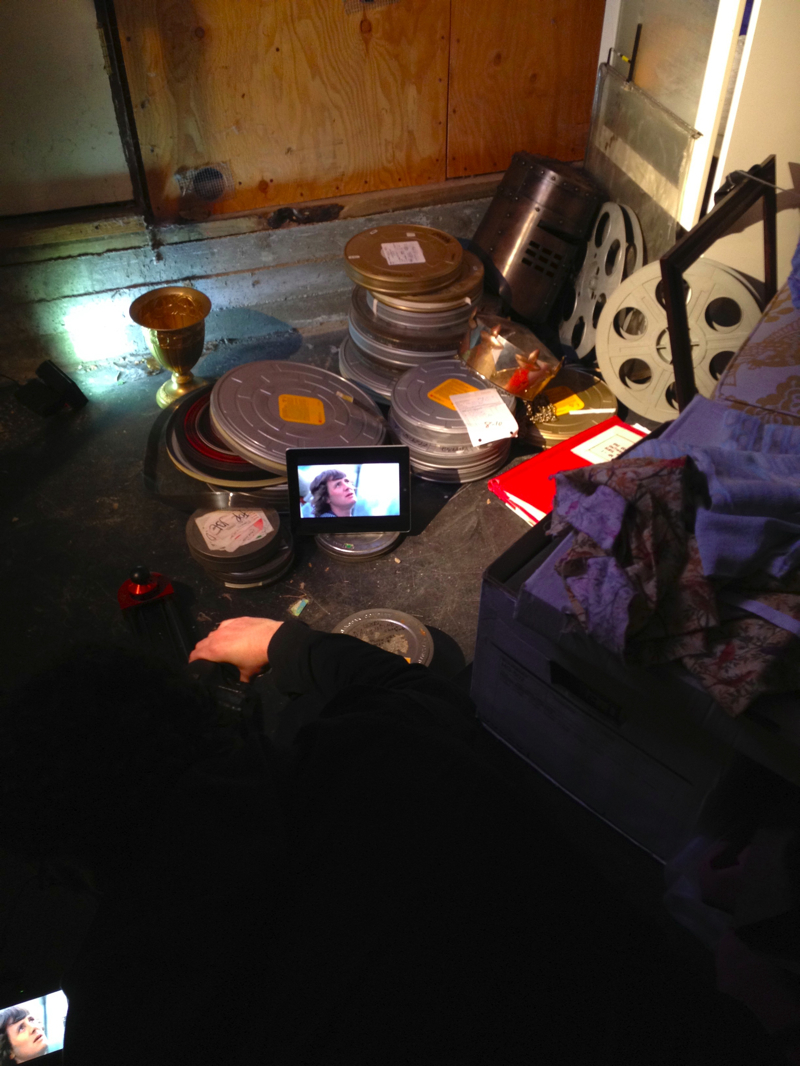 The "archives" were a carefully cluttered pile of film cans in the basement. I’m the dark mass lying on the floor, sliding and pulling focus on the camera while looking at the view on the SmallHD monitor at the extreme lower-left. The Arri’s served as a point light source, to evoke the feeling of a single light bulb in a dusty basement archive, and the Z96 unfiltered added a bit of eerie glow to the grail in the background. |
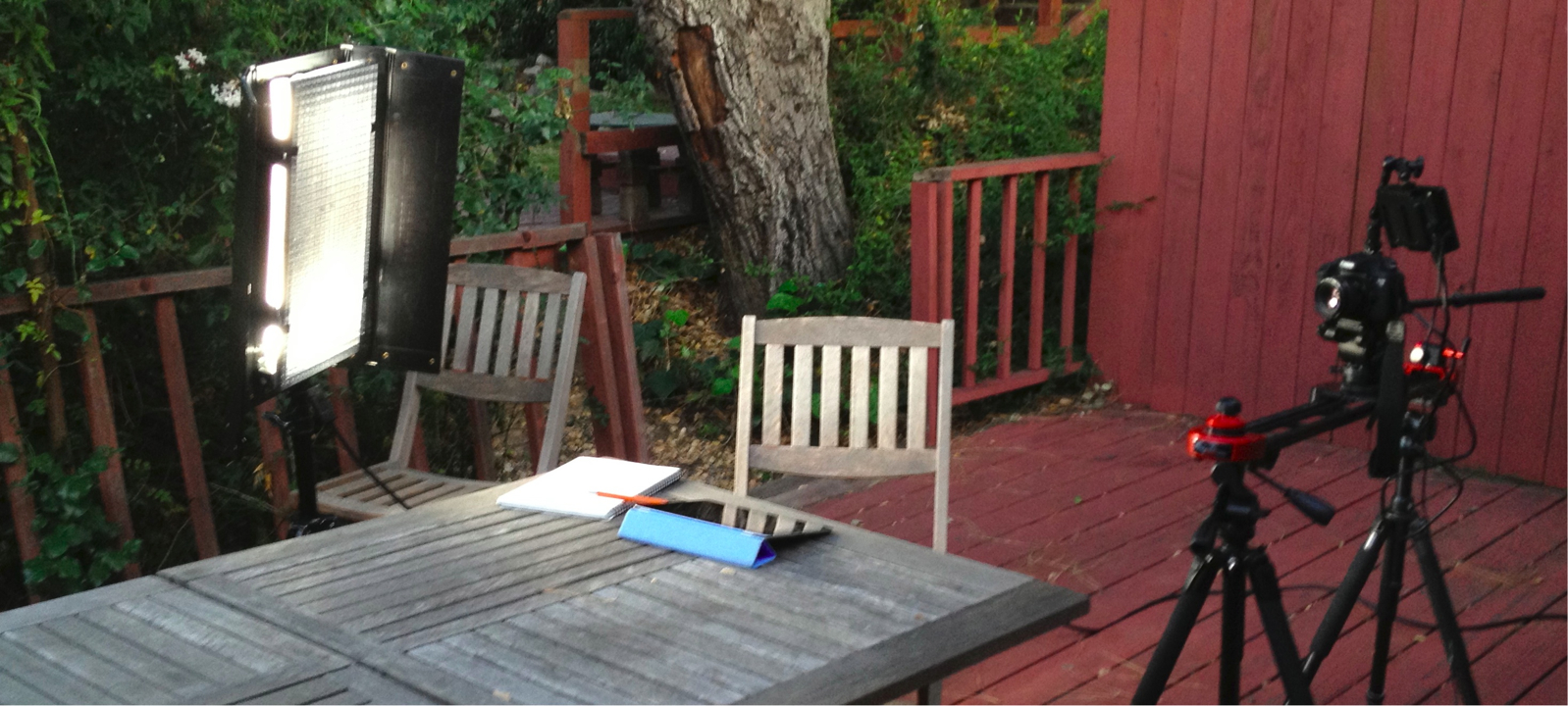
Another view of the setup for the outdoor "student" shot. The natural light had mostly faded by this point, but the Fluorescent bank placed fairly close to the subject served as a capable artificial sun. Just before the shot, I filled the mug (not pictured) with boiling water from a kettle to create steam. The Z96 LED light with an orange gel was placed to the subject’s left to fill and warm the shadows.
Post
Because we’re both editors, the distinction between production and post blurred quickly –we had capable computers at the location and a fast Firewire-800 card reader, so why not drop selected takes into a rough edit during the shoot to see how things were looking before we broke the set and moved the camera to set up the next shot? Because Dane had already procured the voiceover and music tracks before the shoot began, the ad started to take shape quickly.Video playback was added to the iPad screens in post. There were several reasons for this decision:
- In order to have a high degree of flexibility in the edit and choose footage for playback to match moments in the voiceover
- Because it would be difficult to balance the lighting such that the iPad, the background, and foreground would all be exposed properly (shooting on a DSLR is a bit like shooting reversal stock in that it can look good but you have to get the exposure dead on)
- The iPad would have shaken and fallen over if hands (or especially the stump) actually swiped it.
Compositing well is a very difficult task with no natural endpoint. In the best of circumstances, it ends when the result is somewhere in the “good enough” region but before the compositor has pulled out all of his/her hair. To make the composited screens acceptable to our eyes required the help of colleagues on two continents and the use of 3d matchmoving software (Syntheyes), planar tracking (Mocha for After Effects), and both Shake and After Effects for keying, lightwrap, and manual cleanup. For each shot screen playback had to be matched to the position of the screen, blurred when the iPad was not in focus, overlaid with reflections, and sometimes placed behind moving foreground objects.
The Black Knight and Peasant shots were especially problematic. The amount of blur in the Black Knight shot made for difficult tracking and keying. The Peasant shot included both difficult-to-key motion blur and the addition of mud elements.
After the compositing was done, a small amount of stabilization was done to most shots. They were pretty smooth to begin with considering that I had to simultaneously move the camera on a slider, pan/tilt it on a fluid head, and pull focus. A bit of software stabilization was needed to get the shots closer to perfection.
It was a lot of work, but judging from the behind-the-scenes material for Monty Python’s Grail film I saw in the app –we had it pretty damned easy. In the end, it’s nice to see the final product up on the web. I hope you enjoyed.
- Hey Apple, please please please consider an advanced-mode toggle in iOS’s settings, off by default, to allow the .5% of users who want to risk operating their iPads in the scary world outside the app store safety net to do so without having to resort to cracking the restrictions built into the OS. We aren’t the majority of users, but we influence the purchases of family and friends, and it’d be unfortunate if we have to stop buying your wonderful hardware when you actually manage to lock it down so completely that we can’t get our needs met. Regular users would get only the default, secure iOS/app store ecosystem, the rest of us could live by choice on the wild side. Everyone wins. ↩︎